Fitted premade units
Adapt standard units to the agreed space.
Plan this option COASTALCONSTRUCTION
Explore a scope and request a reviewed quote. Coastal confirms service availability, qualified trade partners, site conditions and final pricing before a proposal.
CABINETRY & STORAGE
Install shelving or fitted built-ins for books, display pieces, and everyday storage. Choose the depth, support arrangement, and combination of open and closed storage around the room’s existing trim and outlets.
START WITH THE DETAILS
Measure the available width, height and depth. Note doors, outlets, plumbing and any equipment the storage must fit.
Enter the amount of work and choose the details you know. Your choices follow you into the Project Builder.
LOW / MIDDLE / HIGH REFERENCE
Low and high are published reference endpoints. Middle is their arithmetic midpoint, not a quoted average, product tier or firm price.
A planning reference for this service only. Selections, local labor, access, quantities and existing conditions need Coastal’s review. Do not add overlapping whole-project and component ranges.
HomeGuide · research checked 2026-10-22 · US national; no Oklahoma adjustment applied · installed
KNOW WHAT COMES NEXT
Plan built-in dimensions, anchoring and adjacent trim.
Verify field dimensions and supports before ordering or fabrication.
Install and secure units, fit fillers, adjust fronts and coordinate adjacent finishes.
Check drawers, doors, anchoring and usable clearances together.
Illustrative planning allowance for the stated scope, not a promised start or completion date. On-site time starts after approvals and materials are ready; procurement, inspection waits, curing and discoveries can extend the calendar.
Stock versus custom fabrication · Number of units and wall conditions · Related countertops or utility work
PERMIT PLANNING
Usually a finish-only scope when the structure, room use and utilities stay unchanged. This is a starting classification, not an address-specific exemption; confirm any related regulated work before starting.
ENGINEERING & DESIGN
Engineering is not usually part of this finish-only scope. Stop for review if hidden damage, structural changes or unusual support loads are found.
Confirm requirements with the city or county responsible for the property before work begins. The address, exact scope and adopted code determine the final requirements.
MAKE IT FIT YOUR HOME
Compare the scope before choosing products. Any direction can be refined with Coastal.
MATERIALS & DETAILS
These original swatches show a general visual direction. Confirm a physical sample, exact finish code and product compatibility before ordering.

Generic visual direction; confirm the physical sample before ordering.
Use this direction


PRODUCT RESEARCH
Manufacturer references help compare options. They do not imply a Coastal dealership, endorsement, or a product selected for your project.
Specify construction and finish for the project; a cabinet brand is not required for custom shelving.
Open the original source for product and installation imagery. These are reference links, not Coastal project photographs.
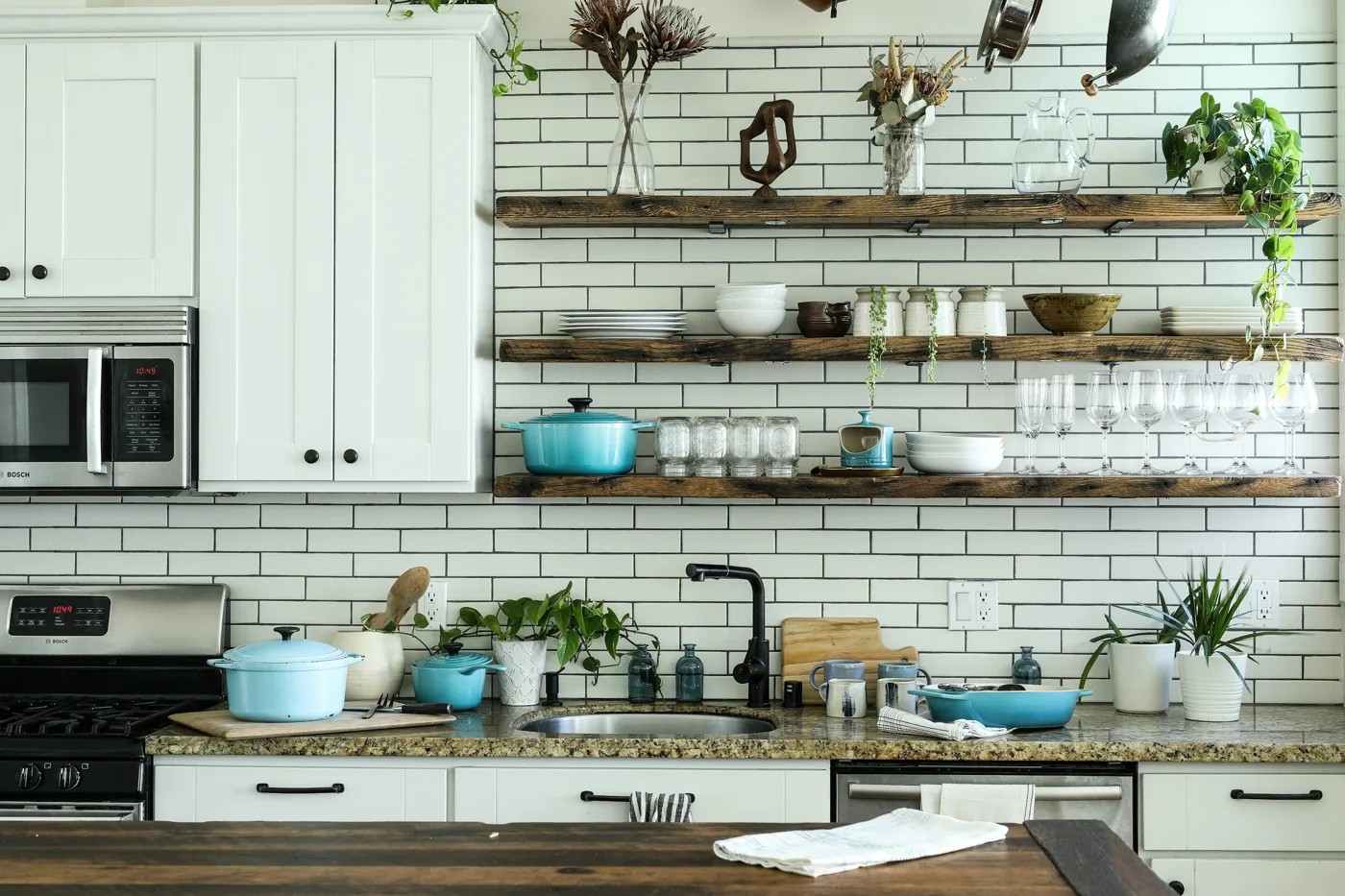
Kitchen cabinetry and open-shelf inspiration. Photo by Odiseo Castrejon on Unsplash; not a Coastal project.
Publisher examples of built-in shelving; not Coastal project photographs.
Kitchen cabinetry and open-shelf inspiration. Photo by Odiseo Castrejon on Unsplash; not a Coastal project.
YOUR PROJECT, VISUALIZED
Start with common shelving and built-ins options, personalize the details, then upload a photo to create an AI concept.
Adapt standard units to the agreed space.
Build to the wall dimensions and desired proportions.
Combine shelves with cabinet or drawer storage.
FROM INSPIRATION TO YOUR SPACE
The example photo is inspiration. Your personalized concept applies your saved service and finish selections to the photo you upload.
AI concepts are illustrations. Product matches, measurements and feasibility require Coastal’s review.
YOUR NEXT STEP
Keep rooms, measurements and choices together in the Project Builder.
Reviewed 2026-10-23. Published ranges describe the source’s stated scope and geography; they are not an Oklahoma adjustment or a Coastal estimate. Do not add overlapping project ranges together.
Stock photograph license · Finish swatches and scope diagrams are original illustrations.